Features / Keyword workflows
Rank Tracking
Rank tracker for monitoring keyword positions
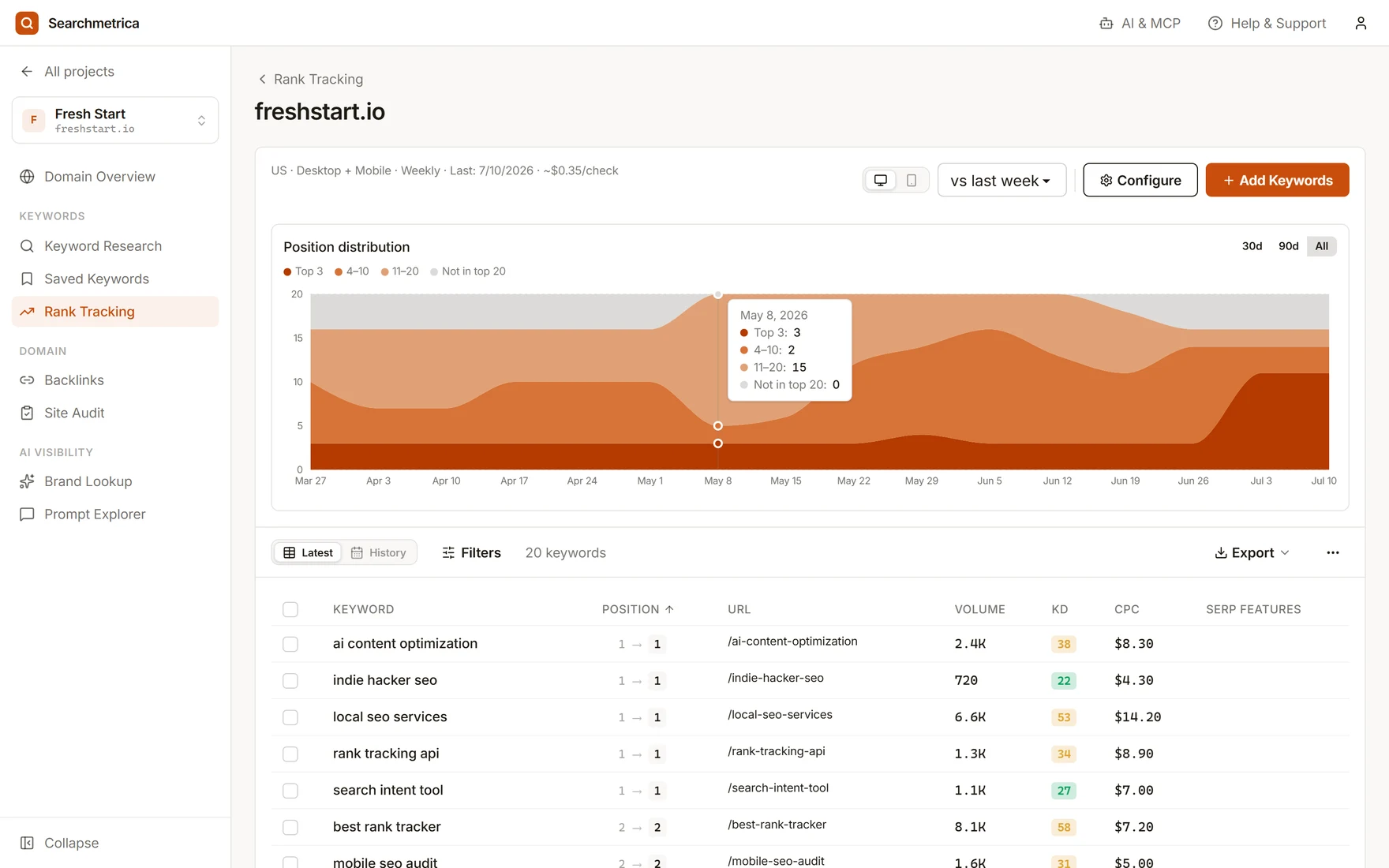
Track the keywords that matter, optionally compare desktop and mobile results, and keep ranking changes connected to your research workflow.
Desktop rank
When enabled
Mobile rank
When enabled
SERP features
Context
Position change
Movement
Add tracked domains
Create rank tracking configurations for the domains and locations you care about.
Track important keywords
Add keywords manually or from ranking suggestions and monitor positions over time.
Compare SERP context
Review the configured device results, ranking URLs, movement, and available SERP feature signals.
Use cases
- Monitor target keywords after publishing content.
- Track launch, migration, and optimization impact.
- Keep ranking checks close to the keywords your team already researched.
Why Searchmetrica
- Rank tracking is part of the same workspace as discovery, audit, and competitor research.
- Optional desktop and mobile tracking helps teams avoid one-dimensional rank reports.
- Searchmetrica can expose ranking data to AI agents through MCP.
Questions
What is a rank tracker?
A rank tracker monitors where a domain appears for selected keywords over time so you can see whether SEO work is improving visibility.
Does Searchmetrica track mobile and desktop rankings?
Searchmetrica rank tracking can be configured for mobile, desktop, or both, so teams can compare devices when both are enabled.
How should I choose keywords to track?
Start with keywords tied to important pages, active content work, and competitor opportunities discovered in keyword research.
Try Searchmetrica
The lean alternative to bloated, expensive, legacy SEO tools. $10 a month, everything included.
Start enjoying SEO