Features / Domain research
Site Audit
SEO audit tool for finding technical issues fast
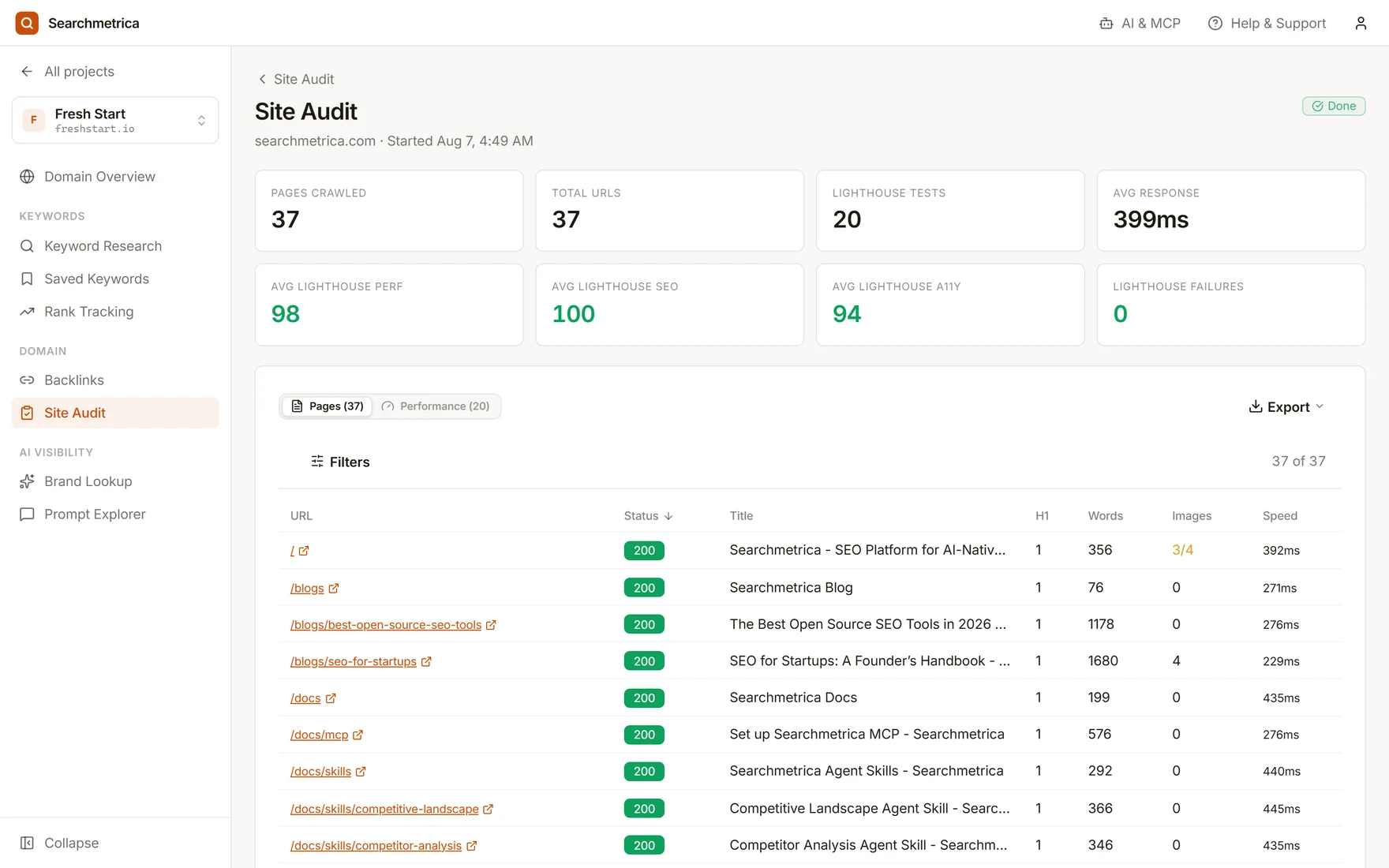
Crawl a site, collect page-level technical signals, and optionally run Lighthouse checks for performance, SEO, accessibility, and best-practice issues.
Crawled URLs
Coverage
Page fields
Checks
Affected pages
Scope
Audit history
Progress
Run a site crawl
Inspect pages for status codes, titles, meta descriptions, headings, indexability signals, image alt coverage, links, response time, and optional Lighthouse findings.
Prioritize issues
Review crawled pages and optional Lighthouse results so the team can focus on visible page and performance problems.
Drill into affected URLs
Move into URLs with missing titles, metadata, heading and image-alt signals, status-code issues, response-time data, or optional Lighthouse findings.
Use cases
- Audit a new site before publishing SEO work.
- Find technical issues after a migration or redesign.
- Export crawled page data and Lighthouse findings for developers and content teams.
Why Searchmetrica
- A practical crawler built into the same workspace as keyword and domain research.
- Optional Lighthouse checks alongside the crawl, with exportable issue details.
- Simple reports that expose page-level signals and optional Lighthouse findings instead of relying only on a generic score.
Questions
What does the Searchmetrica site audit tool check?
Searchmetrica crawls pages, shows page-level technical signals, and can attach Lighthouse issue details when Lighthouse is enabled.
Is Searchmetrica a free SEO audit tool?
Site audits use usage credits, which depend on the crawl and data costs behind each workflow — no fixed audit tier required.
Who should use Searchmetrica Site Audit?
It is useful for founders, marketers, agencies, and developers who need a shared crawl report and optional Lighthouse issue export.
Try Searchmetrica
The lean alternative to bloated, expensive, legacy SEO tools. $10 a month, everything included.
Start enjoying SEO